
How to turn your camera roll into a diary
If you take photos most days, you already keep a diary — it's just unstructured. Every shot carries a date, a place, and a memory; a diary is what you get when something organizes them and leaves room for your words.
Bloggo turns your camera roll into exactly that: dated entries organized by place, with space for a sentence about the day and a story for any photo. Written on your device, kept on your device.

How to do it with Bloggo
- 1
Scan your camera roll
Open Bloggo and let the on-device scan find your days and trips. Years of photos become browsable entries.
- 2
Open a day
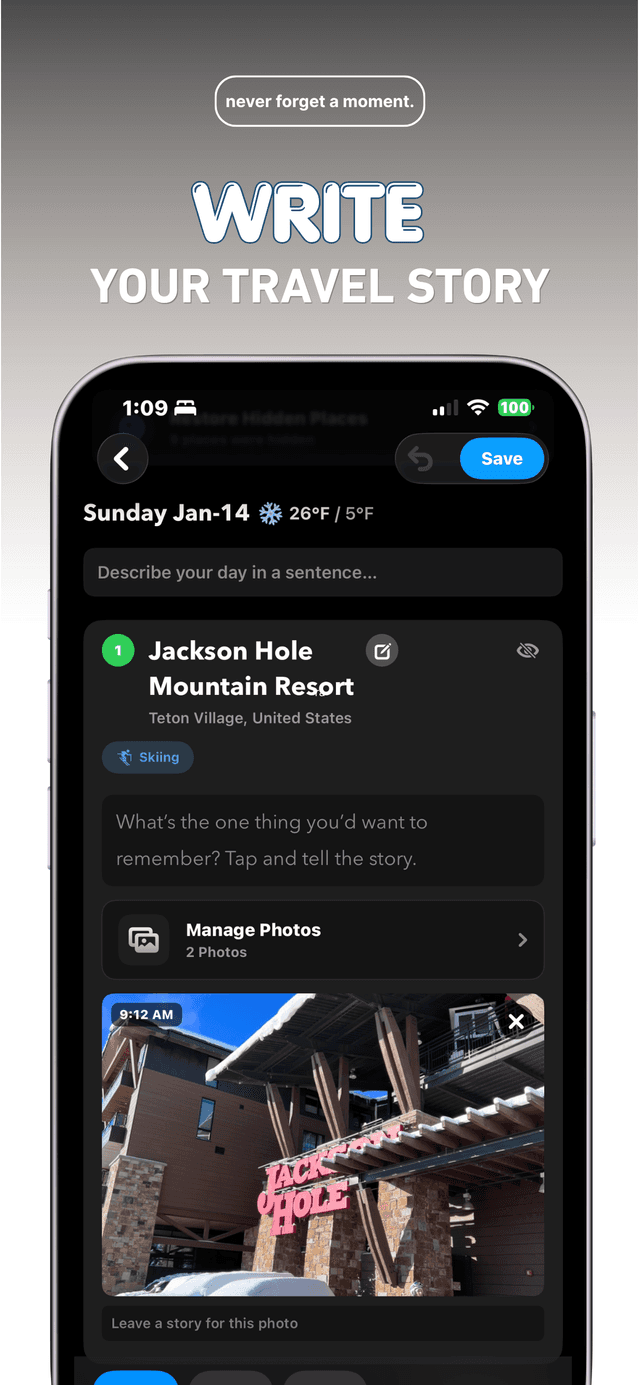
Each entry starts with your photos in order, grouped by where you were, with the date and even that day's weather.
- 3
Describe the day in a sentence
One line at the top of each day. That's the entire writing commitment.
- 4
Tell one photo's story
'What's the one thing you'd want to remember?' Tap a photo and answer.
Common questions
Do I have to write every day?
No. The photos keep the record; write when a day deserves it.
Can I backfill old days?
Yes. Bloggo scans your whole camera roll, so last year's days can become entries today.
Is my diary private?
Yes. Entries live on your device and are never uploaded. Sharing is always your choice.
Try it on your own photos
Bloggo is free to download. Your first blog takes seconds.