
A private travel journal app that doesn't upload your photos
Most journal apps are social apps in disguise: your photos go to a server, and your memories become content. If you want a travel journal that's actually yours, the test is simple — does it work without uploading anything?
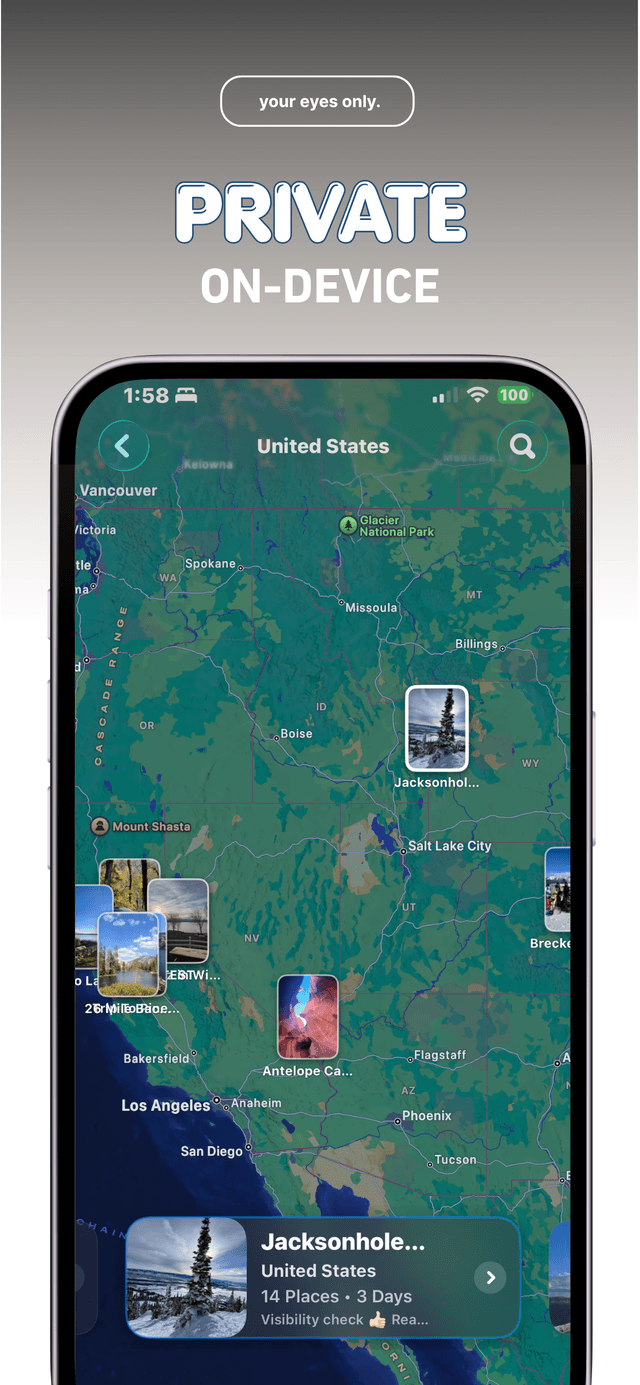
Bloggo is local first and private by default. Trip detection, blog drafts, maps — all built on your device from photo metadata. Nothing is shared unless you export or publish it yourself.

How to do it with Bloggo
- 1
Start as a guest
No account needed. Open Bloggo, let it scan your camera roll on-device, and create your first blog.
- 2
Journal without a feed
There are no followers, likes, or view counts. Your blogs are a private space, organized by trip and place.
- 3
Keep everything on your iPhone
Drafts live on your device. Sign in with a free account to lift the guest caps — the local-first privacy stays the same.
- 4
Share only what you choose
Export a carousel, PDF, or video when you want to share a trip. Until then, it's your eyes only.
Common questions
Does Bloggo upload my photos?
No. Bloggo uses photo metadata like time and location, on your device, to organize trips. Your photos are never uploaded.
Do I need an account?
No. Guests can save one blog and export once; a free account removes those caps.
Is there a social feed?
No. Bloggo has no feed, follower counts, or likes.
Try it on your own photos
Bloggo is free to download. Your first blog takes seconds.